
Following our first interview with Lindauer AG, our interview series now enters its second round—today with Leslie Marquart from Lüchinger Metallbau, who will provide insight into planning with Vanillaplan in the metal construction industry.
Mr. Marquart, to start, could you tell us a little about your company?
We are a traditional metal fabrication company with 60 employees, headquartered in the St. Gallen Rhine Valley and with a branch in Graubünden. On the one hand, we do metal fabrication and glazing; on the other, we are active in door and gate manufacturing, meaning we work with products that we install.
What is your position and what are your responsibilities?
I have been on the executive board since the beginning of the year. I am also responsible for the gate construction division as well as the “administrative” areas of our company, such as IT, ERP, quality management, finance, and human resources.
How did you organize your planning before implementing Vanillaplan? What were the challenges and the reason for the implementation?
We were initially quite satisfied with our previous software—Plan 3000, a program developed by a two-person operation. However, the software was getting a bit outdated, and at some point we had to install older versions of Excel just to keep it running. It was therefore becoming increasingly clear that the software wouldn’t be supported indefinitely.
So we had been looking for a replacement tool for quite some time. It was important to us that we could not only do detailed planning at the employee level but also high-level planning at the department level. And we realized that finding such software wasn’t all that easy.
Eventually, we stumbled upon Vanillaplan and quickly saw that the division into high-level and detailed planning works similarly to our previous software—so we quickly thought this might be the one.
How long have you been using Vanillaplan?
For about a year and a half.
How did the implementation and testing phase go?
First, there were a few meetings with Ingrid, during which she explained to me and the planners involved how Vanillaplan works. We also discussed how our existing processes could be mapped in Vanillaplan—for example, our various departments. After that, we started the testing phase to get a feel for the software and familiarize ourselves with its look and feel.
How many people are involved in planning in Vanillaplan?
We have three departments, each with a planner and a deputy—they are responsible for weekly planning. The project managers enter their projects themselves. The master data comes from Abacus, and the project managers allocate hours and resources in Vanillaplan—based on the cost estimate. The department’s planner then uses all this information to create the weekly schedule.
So, overall, quite a few people work together in Vanillaplan. Including the project managers, we have over 15 employees in the office who use it regularly.
You use Abacus as your ERP system and have set up an interface with Vanillaplan. How did the setup go, and how does the interface work?
The setup took some time, but in the end everything worked out and we are satisfied with the solution today. At regular intervals, an export file is generated from Abacus, which is automatically imported into Vanillaplan via the interface. This ensures that no projects are overlooked.
How many projects do you have in Vanillaplan, and how much time do you spend on average planning in the tool?
We currently have around 2,700 projects in Vanillaplan. Of these, about 750 are pending, meaning they are in progress simultaneously. If you add up the time spent by all planners, we spend roughly three workdays per week on planning in the tool.
Does Vanillaplan save you time when planning?
We were already well-positioned with our previous solution—now, with Vanillaplan, we’ve found a successor that allows us to work just as efficiently. What’s even better with Vanillaplan is the filter function, which allows us, for example, to show or hide different departments. This way, we can quickly see where capacity is still available, how we can shift staff between departments, and how we’re utilized per department and across the entire operation. That really helps us a lot with planning.
How do you use the display board?
We could technically work without it—it’s just really cool that it’s hanging in the workshop and you can immediately see who’s present and who’s absent, as well as who’s assigned where. And being able to see the schedule for the next day is also very practical. For us, the bulletin board is therefore primarily a supplement to the actual planning in the tool—it also makes a very good impression, of course, and makes the company seem more modern.
What is the greatest value of Vanillaplan for you personally?
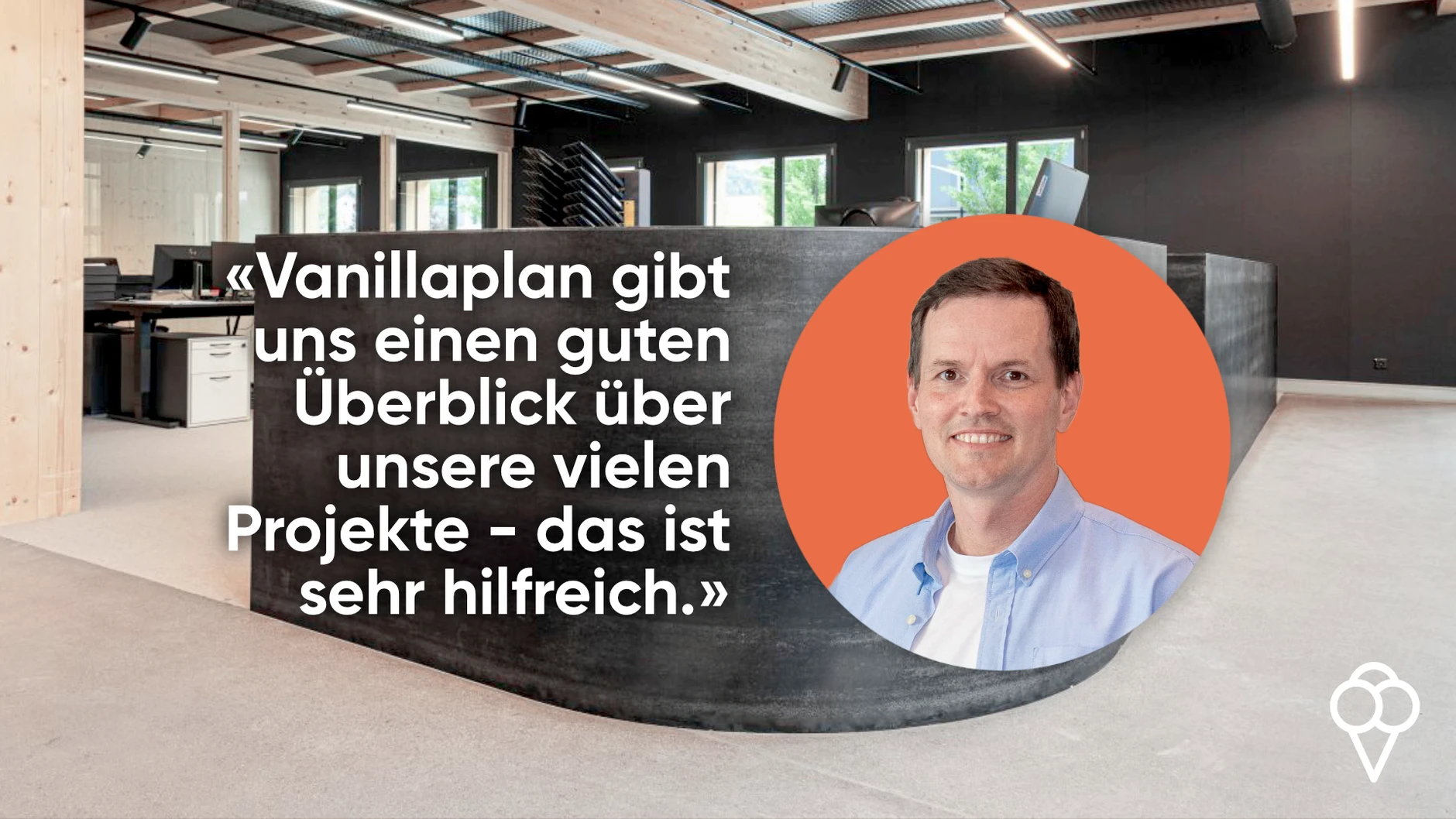
For me, the greatest value is that you can look into the future very clearly—especially in terms of capacity utilization. On top of that, Vanillaplan is intuitive to use—features like drag & drop make planning really easy, and adjustments can be made quickly. The fact that Vanillaplan creates a clear weekly schedule is also very helpful for us. Overall, the tool gives us a good overview of our many projects—including the project phases we have. This way, we can see exactly which sub-departments are how busy.
How is the service and support?
We are very satisfied with the support. There are direct points of contact, and if a problem arises, it is either resolved immediately or we receive a quick response.
Thank you very much for the detailed interview, Mr. Marquart!
.png)